
MADE WITH PROXER 3D
From an idea to a real print.
Text, symbols and QR codes, made tangible. See how designs created in the generator look after printing.
Create your own tagPhotographs of real prints, retouched with AI assistance.
A closer look
One generator, many possibilities
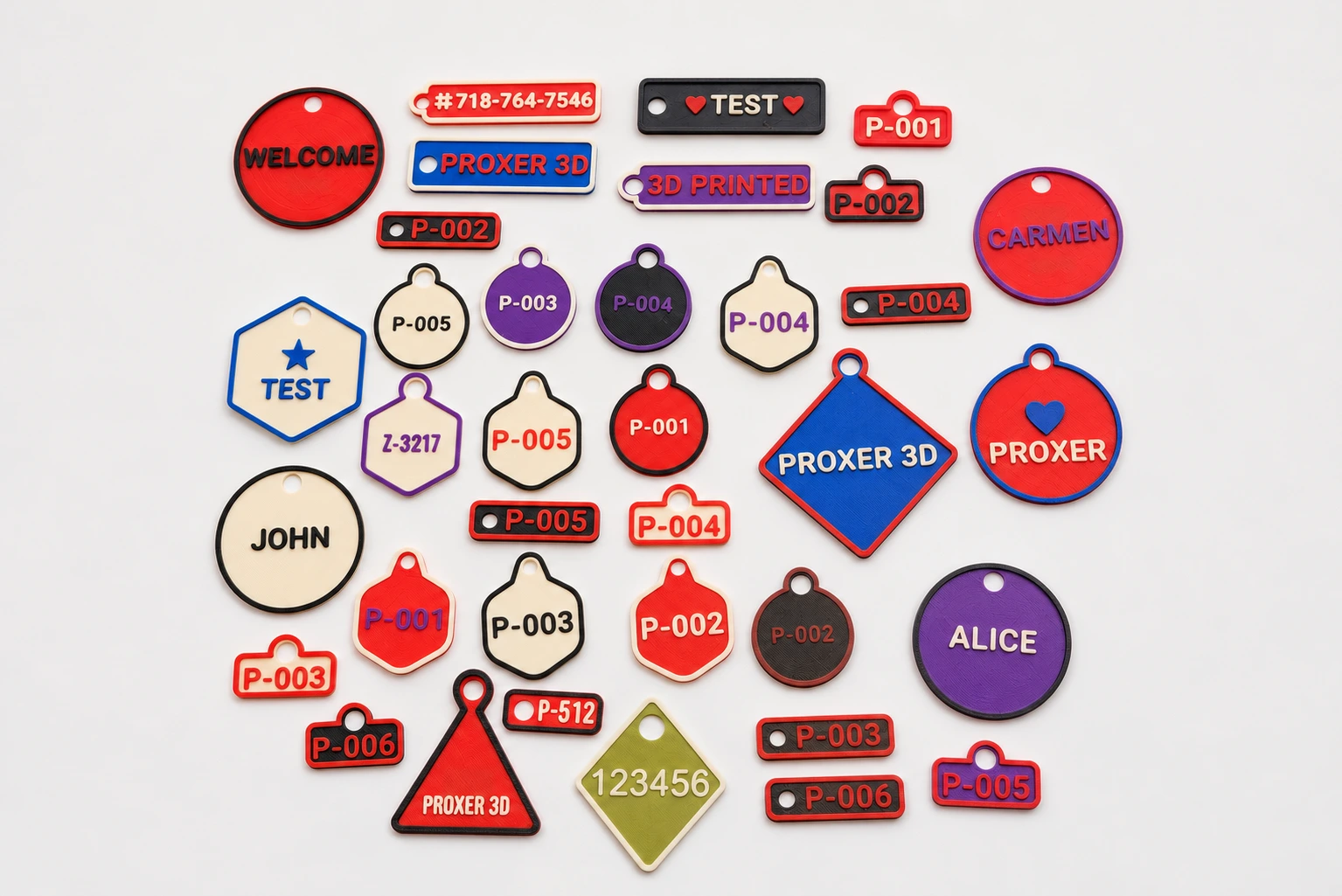
A collection of printed tags with names, identifiers and symbols. Rectangles, circles, diamonds, hexagons and a triangle show different ways to combine shape, colour and mounting position.
PROXER 3D
More printed examples
Different designs, the same starting point — your own project in Proxer.
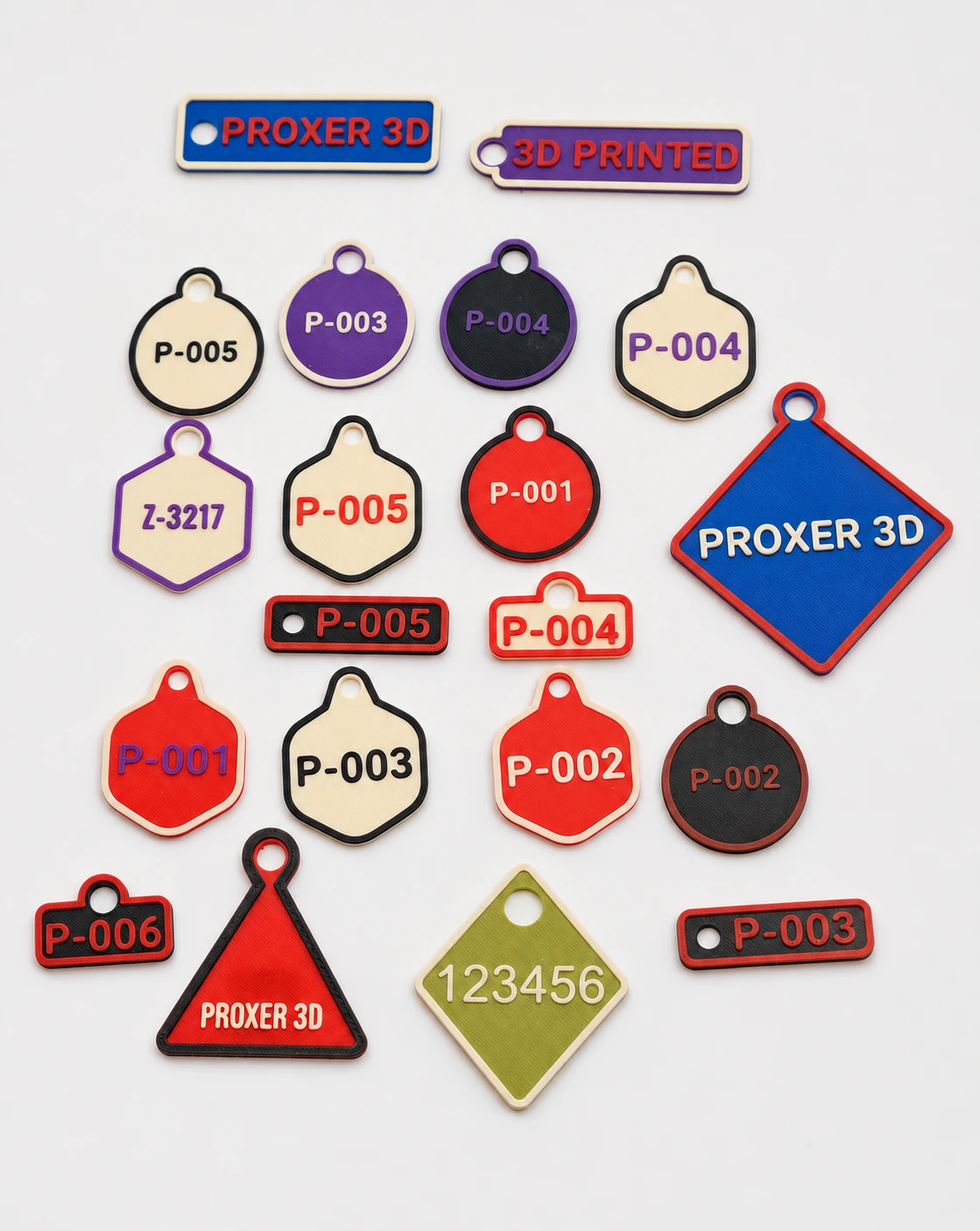
Shapes and mounting points
Round, hexagonal and rectangular tags alongside a diamond and triangle. The examples show mounting ears and holes within the body, with different colour combinations for text and outlines.
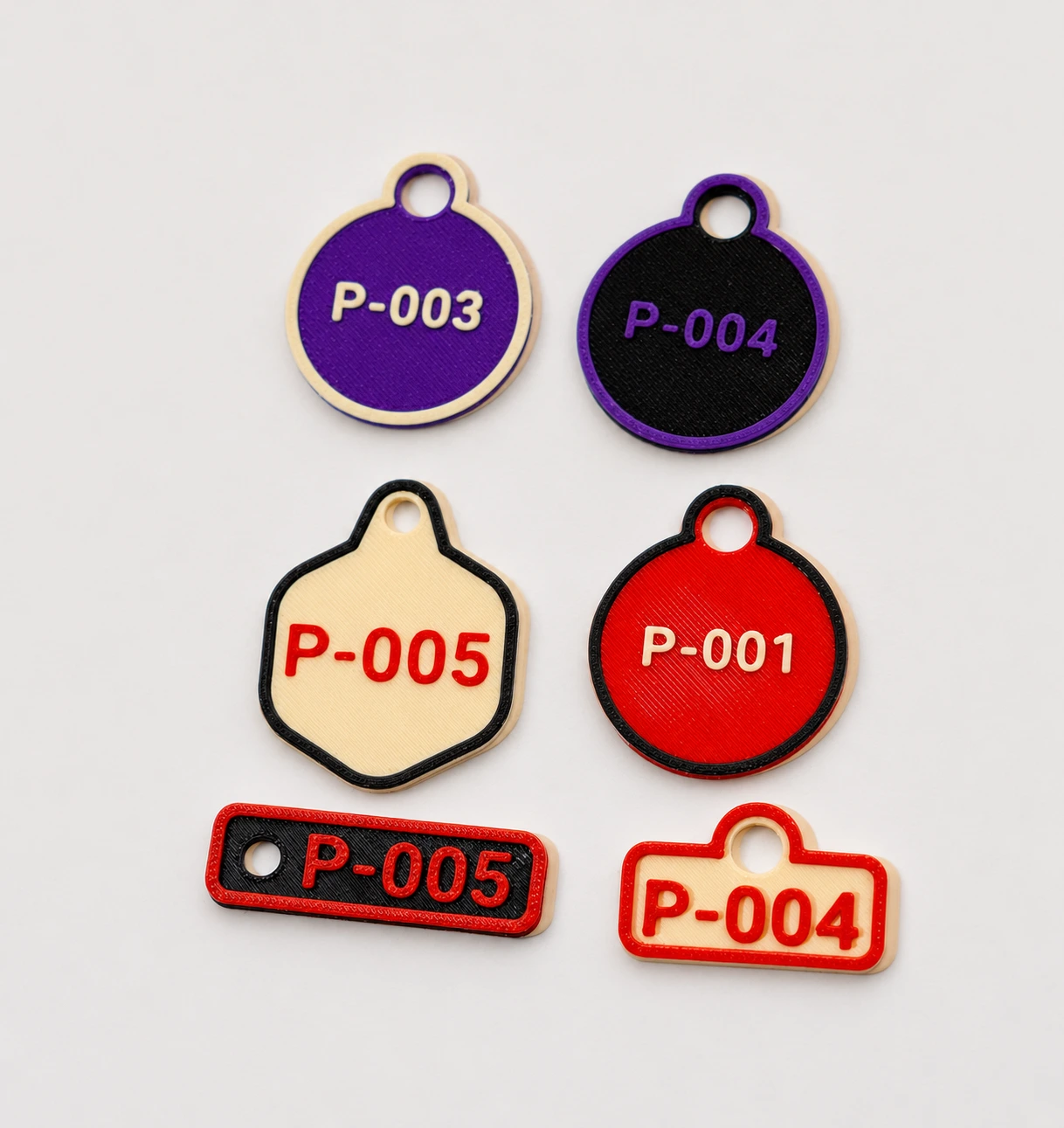
Printed details up close
A closer look at six tags, their lettering, outlines and mounting holes. The red, purple, black and cream combinations show how the same identifier can look in different designs.
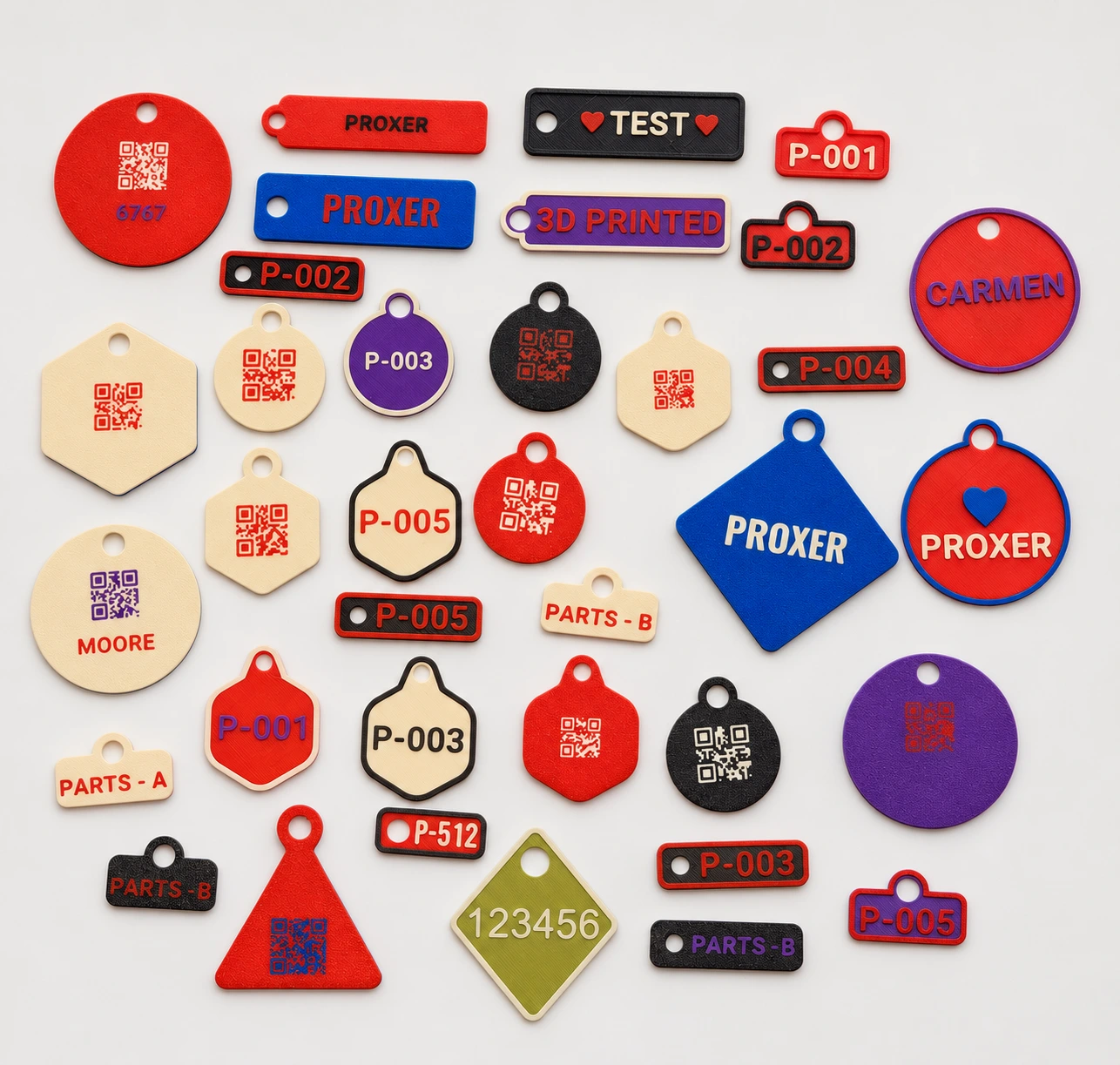
Text, symbols and QR on the reverse
A selection showing both sides of different tags: names and identifiers on the front, with text or QR-code designs on the reverse. Open the photograph to explore the arrangements.
Your next print starts here.
Choose a shape, add your content and prepare a model for printing.